# 🎀 Customize the title and brand logo
## Customize the title
If you want to customize the title of your Blazing Story app, set the `Title` parameter of the `BlazingStoryApp` component in your `App.razor` file.
```html title="📄 App.razor"
```
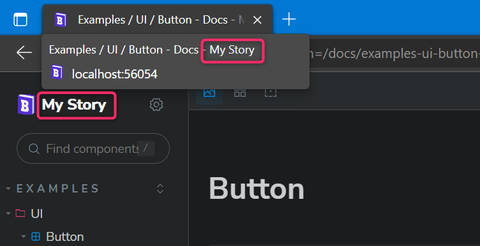
The string value specified in the `Title` parameter of the `BlazingStoryApp` will appear in the title of your Blazing Story app document and in the brand logo area placed at the top of the sidebar.
## Customize the brand logo
You can also replace the brand logo contents at the top of the sidebar entirely by marking up the `BrandLogoArea` render fragment parameter of the `BlazingStoryApp` component, like below.
```html title="📄 App.razor"
@context.Title
```
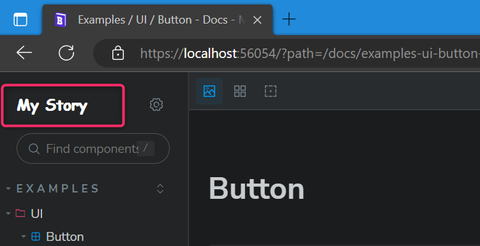
You can refer to the `BlazingStoryApp` component instance via the `context` argument, so you can retrieve the title string, which is specified in the `Title` parameter of the `BlazingStoryApp` component.
> [!NOTE]
> The 'BlazingStoryApp' component instance is also provided as a cascade parameter value. So you can get the reference to the instance of the `BlazingStoryApp` component anywhere in your Razor component implemented in your Blazing Story app.
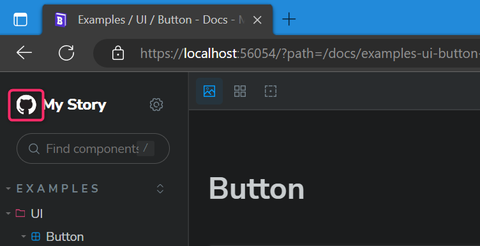
If you want to only customize the logo icon or the URL of the link, not want to change the entire brand logo HTML contents, you can use the `BrandLogo` built-in component instead. The `BrandLogo` component will render the default design of the brand logo of the Blazing Story app and expose some parameters, such as `IconUrl`, `Url`, and `Title`, to customize them.
```html title="📄 App.razor"
```
> [!NOTE]
> The `BrandLogo` component uses the `Title` parameter of the `BlazingStoryApp` component by default for rendering the title text inside it. But if the `BrandLogo` component's `Title` parameter is specified, the `BrandLogo` component uses it rather than the `Title` parameter of the `BlazingStoryApp` component.